
Holzarbeiten
Endlich habe ich mal wieder die Zeit gefunden, weitere Ideen zu realisieren. Zwischen den Feiertagen habe ich Urlaub, da ist schon etwas zu schaffen ;-).
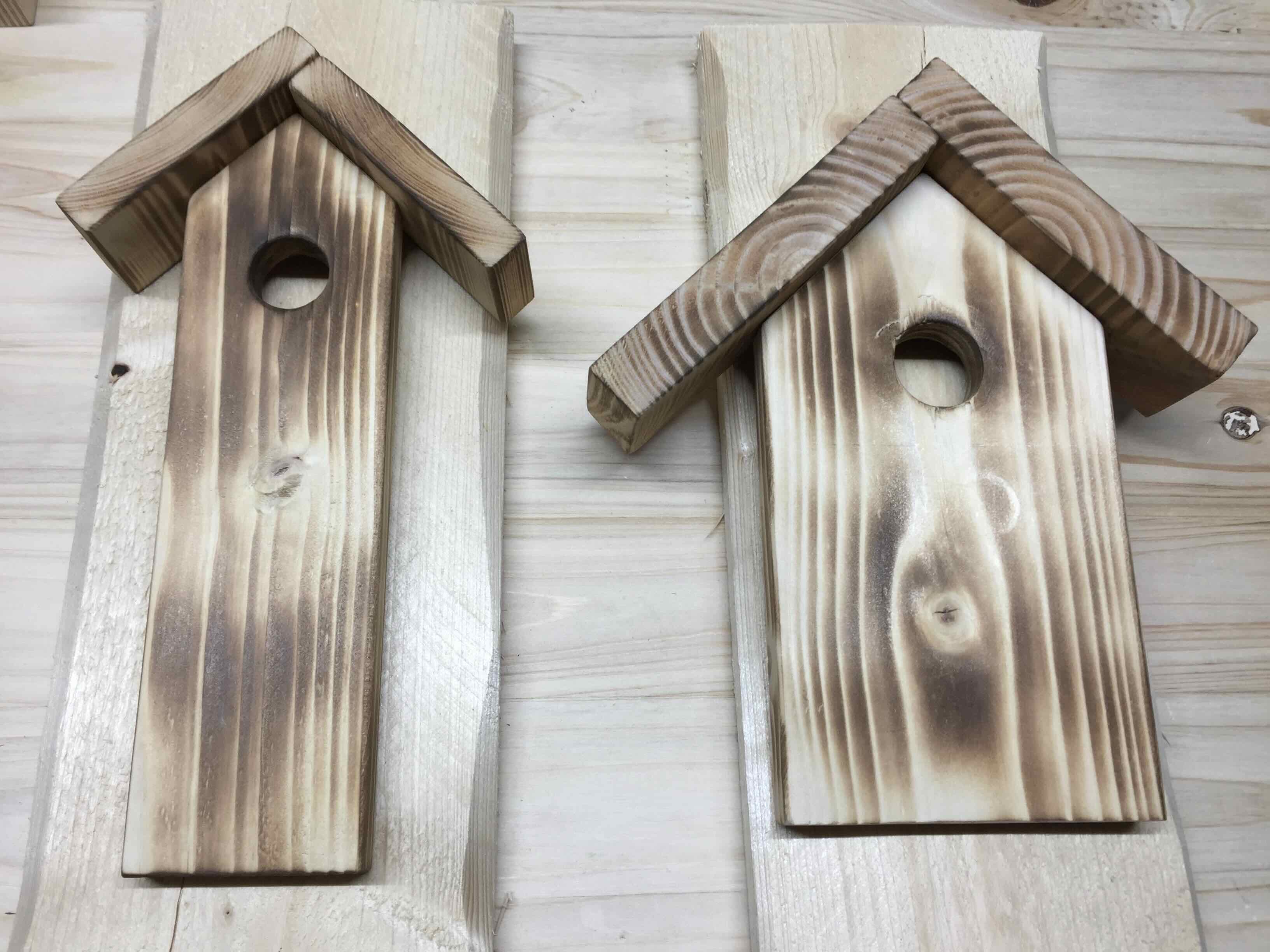
Hier der Anfang für eine Deko-Kiste. Weitere Bilder folgen.
Holzkisten
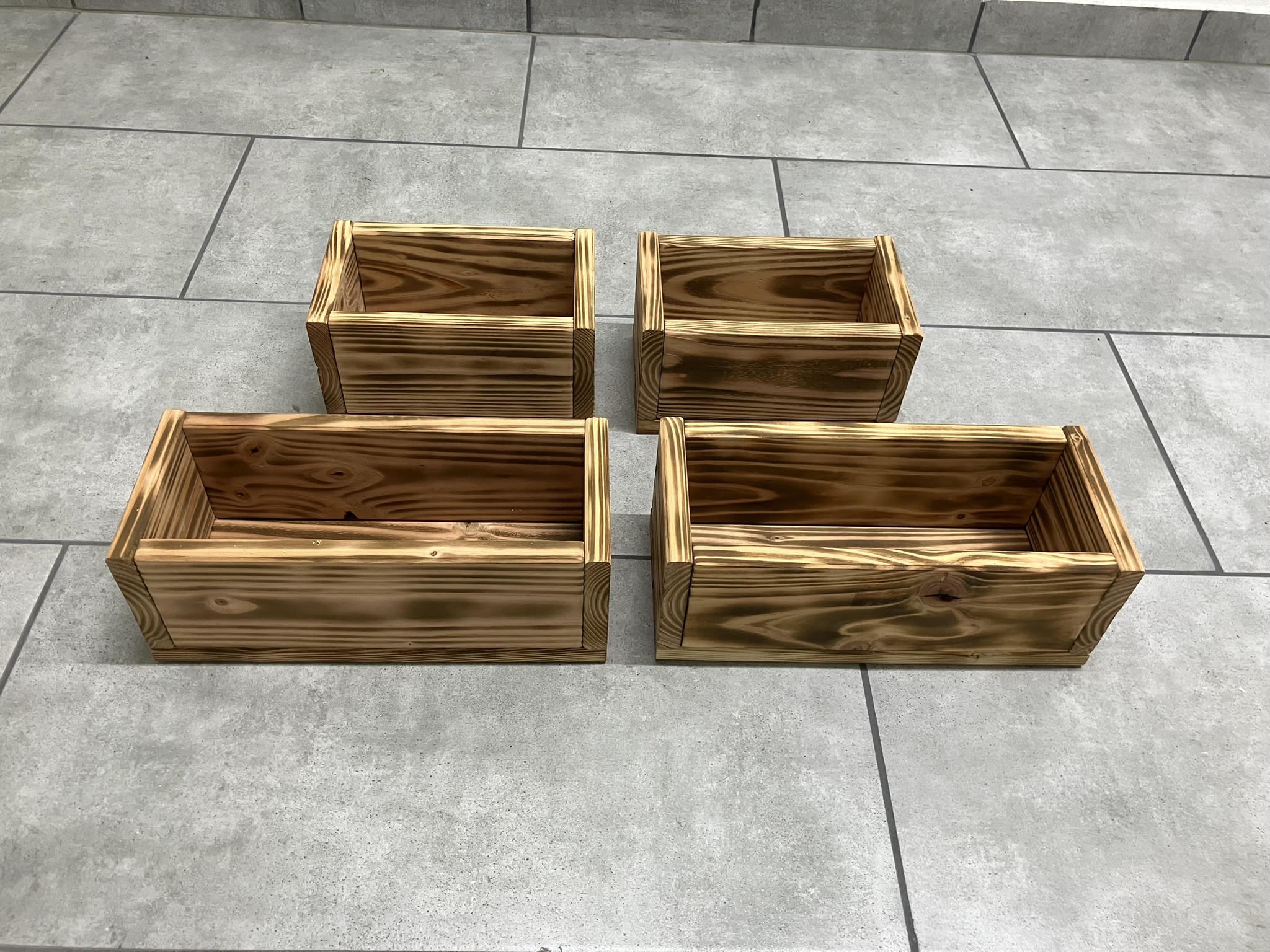
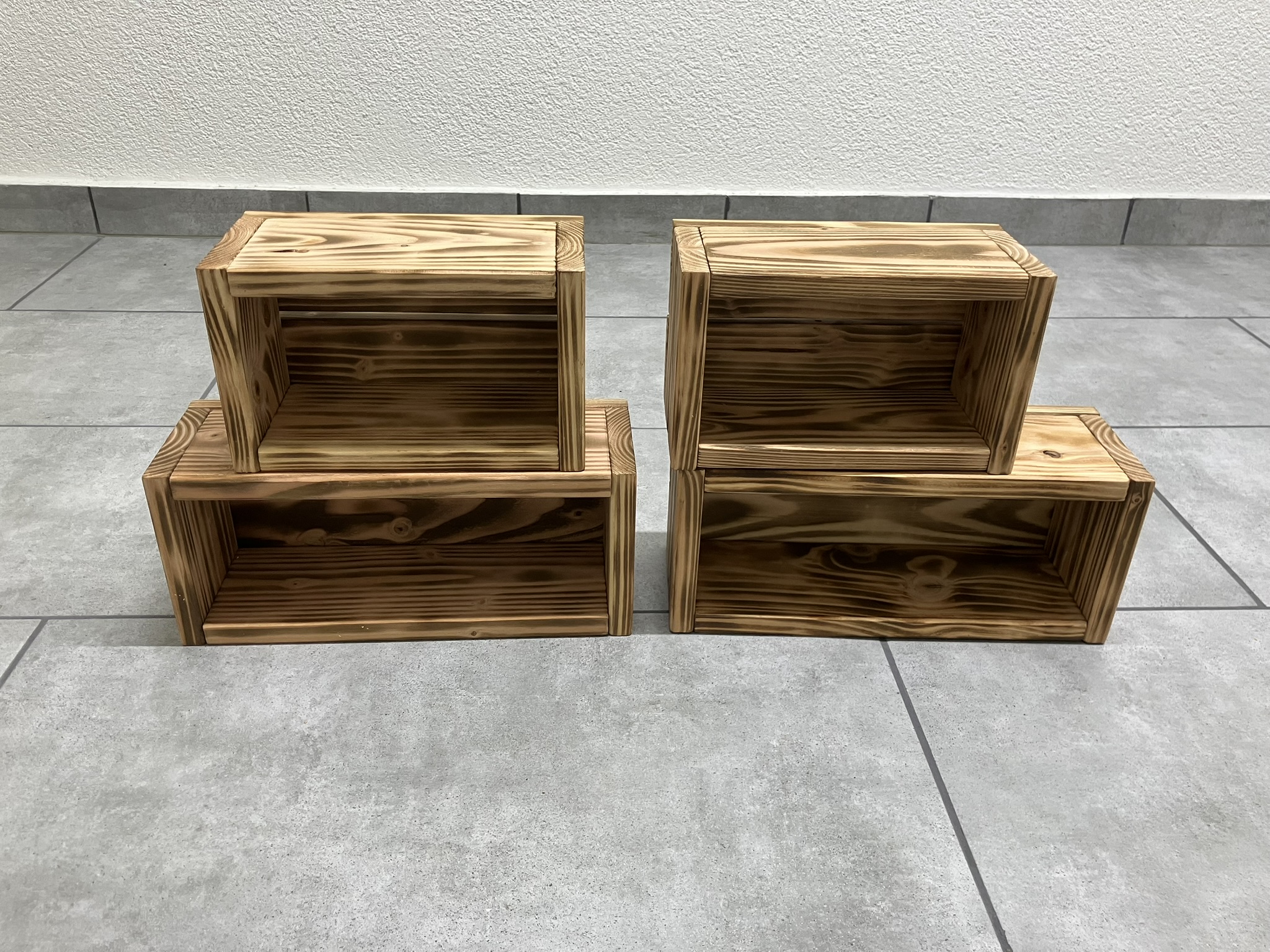
Eine gute Bekannte benötigt einige Holzkisten. Also mal wieder ein wenig gewerkelt. Diesmal habe ich Douglasie verwendet.
Hier das Ergebnis.
Tolle Plakate
Zeigt die Grünen Idioten, jetzt bekomme ich bestimmt Ärger, weil ich unsere Bananenrepublik, sorry unser schönstes Deutschland aller Zeiten, verhöhne ;-)



Shell Script Dateivergleich Erweiterung
Das Script ist erweitert worden, es ist für mich eine Dokumentation.
#!/usr/bin/bash
# Deklaration Variablen
aix=/home/svc.aix_ansible/twe/lparcheck_schalter/aix.out
vio=/home/svc.aix_ansible/twe/lparcheck_schalter/vio.out
ansible=/home/svc.aix_ansible/twe/lparcheck_schalter/ansible.out
check=/home/svc.aix_ansible/twe/lparcheck_schalter/check.out
result=/home/svc.aix_ansible/twe/lparcheck_schalter/result.out
unknown=/home/svc.aix_ansible/twe/lparcheck_schalter/unknown.out
clear
#rm $aix $vio $ansible $check
if [ $# -eq 0 ]
then
echo "Aufruf: $0 [-a] [-na] [-lv] [-v]"
echo ""
echo "-a erzeugt Datei result.out"
echo "-na zeigt Alle Systeme, die nicht in Ansible vorhanden sind (ap-geh,debie,ista und rk Systeme werden ausgeblendet"
echo "-lv zeigt Alle Systeme, die nicht mehr als LPAR / VIO vorhanden sind"
echo "-v zeigt Alle Systeme, die nicht in Ansible vorhanden sind. Verbose Mode"
echo""
echo""
exit
fi
rm $aix $vio $ansible $check
# Abfrage
if [ $1 = -v ]
then
echo "Starte die Abfrage . . ."
fi
/srv/lpar2rrd/pwrdata/search_lpar.py | grep -i AIX | sort | awk '{print $1}' | tr '[:upper:]' '[:lower:]' > $aix
/srv/lpar2rrd/pwrdata/search_lpar.py | grep -i VIOS | sort | awk '{print $1}'| tr '[:upper:]' '[:lower:]' > $vio
/srv/lpar2rrd/pwrdata/search_lpar.py | grep -i unknown > $unknown
cat /etc/ansible/hosts | grep "ansible_host" | sort | uniq | awk '{print $1}'| tr '[:upper:]' '[:lower:]' > $ansible
# Zusammenfuehren der Dateien aix und vio
cat $aix $vio | sort > $check
# Unterschiede pruefen und Ausgabe in Datei schreiben
rm $result
touch $result
echo "+-----------------------------------------------------------------------+" >> $result
printf "|%17s | %40s | %1s |\n" AIX_LPAR_VIO "" "Ansible" >> $result
echo "+-----------------------------------------------------------------------+" >> $result
for arg
do
case $1 in
"-a") sdiff $check $ansible | uniq >> $result
echo "Das Ergebnis wir in der Datei result.out festgehalten. Die linke Spalte enthaelt AIX LPAR und VIO"
echo "Die rechte Spalte enthaelt die Ansible Systeme."
;;
"-na") sdiff $check $ansible | uniq | grep "<" | egrep -v "ap-geh*|debie*|rk0*|ist*" > $result
if [ -s $result ]
then exit 1
else exit 0
fi
;;
"-lv") sdiff $check $ansible | uniq | grep ">" > $result
if [ -s $result ]
then exit 1
else exit 0
fi
;;
"-v") sdiff $check $ansible | uniq > $result && grep "<" $result
if [ -s $unknown ]
then echo ""
echo ""
echo "Systeme im Status unknown"
echo ""
cat $unknown
fi
;;
*) echo "$0 hat keinen Schalter $1"
echo ""
echo ""
echo "Anzeige der Schalter $0 und Return"
echo ""
;;
esac
shift
done
Shell Script Datei-Vergleich
Kleines Script um 2 Dateien zu Vergleichen und die Ausgabe in eine weitere Datei zu schreiben.
#!/usr/bin/bash
# Deklaration Variablen
aix=/home/svc.aix_ansible/twe/aix.out
vio=/home/svc.aix_ansible/twe/vio.out
ansible=/home/svc.aix_ansible/twe/ansible.out
check=/home/svc.aix_ansible/twe/check.out
result=/home/svc.aix_ansible/twe/result.out
clear
# Abfrage
echo "Starte die Abfrage . . ."
/srv/lpar2rrd/pwrdata/search_lpar.py | grep -i AIX | sort | awk '{print $1}' > $aix
/srv/lpar2rrd/pwrdata/search_lpar.py | grep -i VIOS | sort | awk '{print $1}' > $vio
cat /etc/ansible/hosts | grep "ansible_host" | sort | awk '{print $1}' > $ansible
# Zusammenfuehren der Dateien aix und vio
cat $aix $vio | sort > $check
# Unterschiede pruefen und Ausgabe in Datei schreiben
rm $result
touch $result
echo "+-----------------------------------------------------------------------+" >> $result
printf "|%9s | %52s | %1s |\n" AIX_LPAR "" "VIO" >> $result
echo "+-----------------------------------------------------------------------+" >> $result
sdiff $check $ansible >> $result
# Dateien, bis auf result.out loeschen
rm $aix $vio $ansible $check
echo "Das Ergebnis wir in der Datei result.out festgehalten. Die linke Spalte enthaelt AIX LPAR und VIO"
echo "Die rechte Spalte enthaelt die Ansible Systeme."